
About the client
Using money raised by National Lottery players, the Heritage Fund distributes grants to support projects across the UK that connect people and communities to their heritage.
The heritage sector is diverse. It consists of organisations of all sizes across the UK. It includes work in relation to areas, buildings and monuments; cultures and memories; industrial, maritime and transport; landscapes, parks and nature; and museums, libraries and archives.
Grants from the Heritage Fund represent a significant investment in heritage, including support for digitisation projects of all kinds.
About the project
All digital projects funded by the Heritage Fund need to meet accessibility standards. This helps meet the Heritage Fund’s inclusion, access and participation investment principles, part of their new Heritage 2033 strategy.
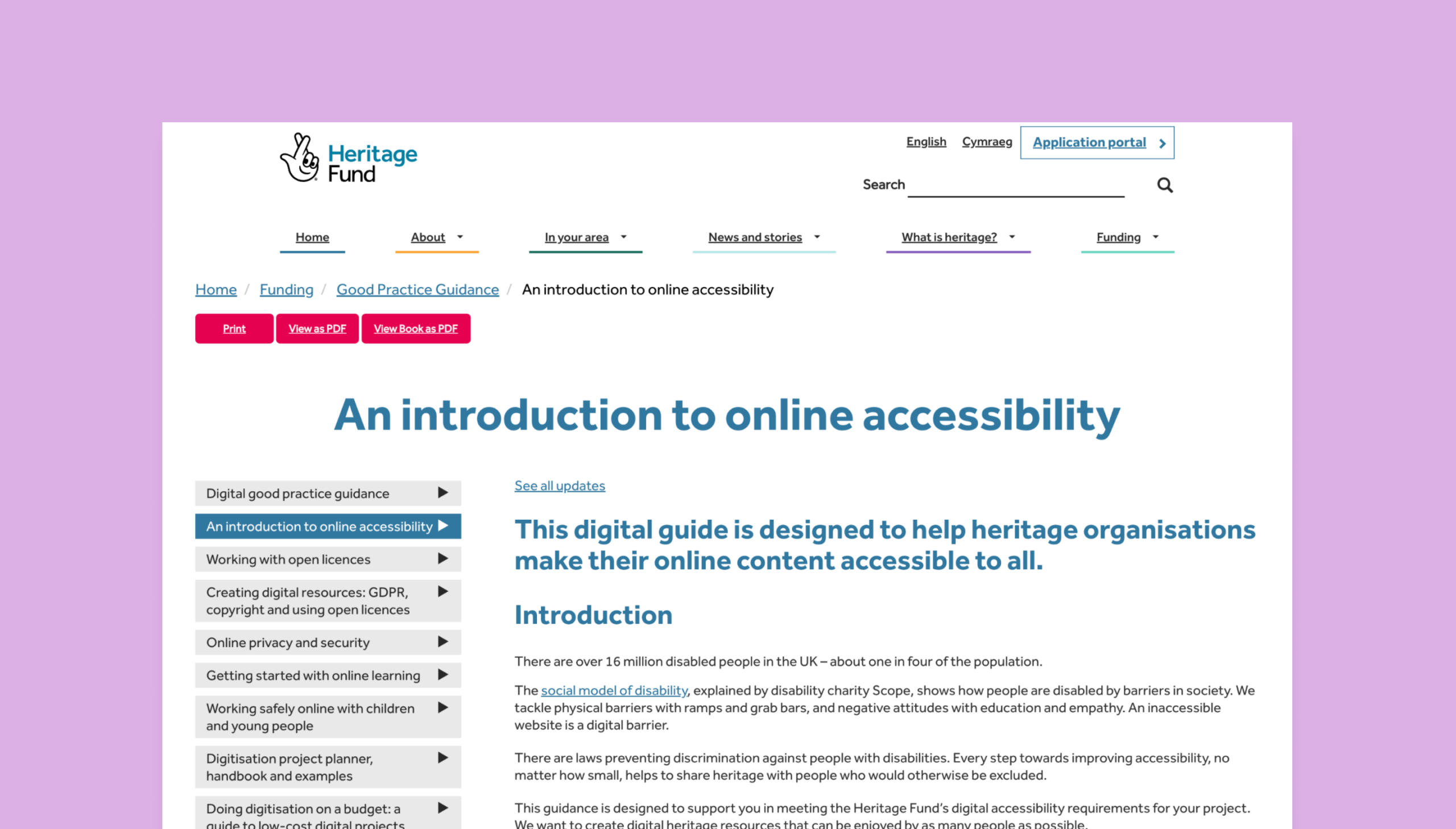
The Heritage Fund online accessibility guide is a practical guide for organisations on how to meet these requirements, so everyone can engage with heritage.
Studio 24 was commissioned to update this accessibility guidance, ensuring it reflects current best practice to help make digital projects accessible.
Project goals:
- Write positive accessibility guidance that helps heritage organisations understand their responsibilities and make practical steps towards improving accessibility.
- Deliver a webinar and blog post for Heritage Fund staff to help them understand the new guidance and advocate for accessibility with funded projects.
Writing the accessibility guidance
It’s important that people who want to engage with heritage aren’t excluded because of any disability they have or the device they use. The guidance helps organisations to create accessible social media content, web pages, downloadable documents, videos, podcasts, and webinars.
The new Heritage Fund introduction to online accessibility is now available and is licensed under a Creative Commons license. It will help heritage organisations make their digital content accessible to all.
The guide covers the following key areas:
- Guiding principles (online accessibility is about people, people access digital content in different ways)
- Project digital accessibility responsibilities
- Planning for digital accessibility
- Good content practice
- Webinars and presentations
- How to check digital accessibility
- Writing an accessibility statement
Nicola, our Front End Lead Developer, wrote the guidance drawing on the WCAG 2.2 standards and current best practices. She included advice on accessibility overlays, which seem like a quick and easy fix but often cause accessibility problems.
When writing the guide, Nicola was conscious of the fact that heritage organisations have staff and volunteers with varying levels of digital skills and accessibility could feel daunting. She wanted the guidance to give heritage teams confidence, so they can understand why accessibility is important, and have the knowledge, tools and resources they need to embed accessibility into their work.
It was important that I made sure the guide wasn’t overwhelming and that the advice is understandable and usable by non-experts.
Supporting the Heritage Fund staff
The Heritage Fund staff want to be confident that they understand the guidance they are putting out to their grant recipients. Simon wrote and delivered a webinar titled “Advocating for accessibility” to help explain why accessibility matters, project requirements, WCAG, a summary of the guidance, some simple accessibility checks anyone can make, and tips on how to get projects involved with accessibility.
He also wrote an internal blog post for the Heritage Fund to use to introduce the guidance and offer some top tips on accessibility.
Accessibility is integral to how we work at Studio 24, so it’s been a real pleasure to work on this project. This new guidance will help heritage organisations remove digital barriers so even more people can connect with them.