
When it comes to websites, there are three areas to consider.
Hosting: storing your website
For websites to work, they need somewhere to be housed where all the content and images can be processed and stored. Hosting can be responsible for up to 22% of the overall carbon footprint of your website.
It’s easy to reduce carbon emissions by switching to a provider that uses renewable energy. Most of our clients are hosted with Mythic Beasts, whose data centre is powered by renewable energy. Other hosting providers can be found by using the Green Web Foundation hosting directory.
Networks: transmitting website data
Networks send website and web application content to devices. Carbon emissions can be accurately measured, for example, by looking at the time it takes to load a page and the page size.
Devices: requesting and downloading data
Due to the amount of variation in hardware, the carbon footprint of devices is difficult to measure, especially when including their embodied emissions – the carbon emissions of their manufacturing process.
What can you do to reduce energy use?
A lot of the digital sustainability best practices focus on website page size, which is directly linked to carbon emissions. There are plenty of things you can do to reduce page size. Let’s start with images.
Images
Images are the most widely used media type – making up roughly 90% of all web traffic – and they have high emissions. Here are some examples of how to use images on your website in a more sustainable way.
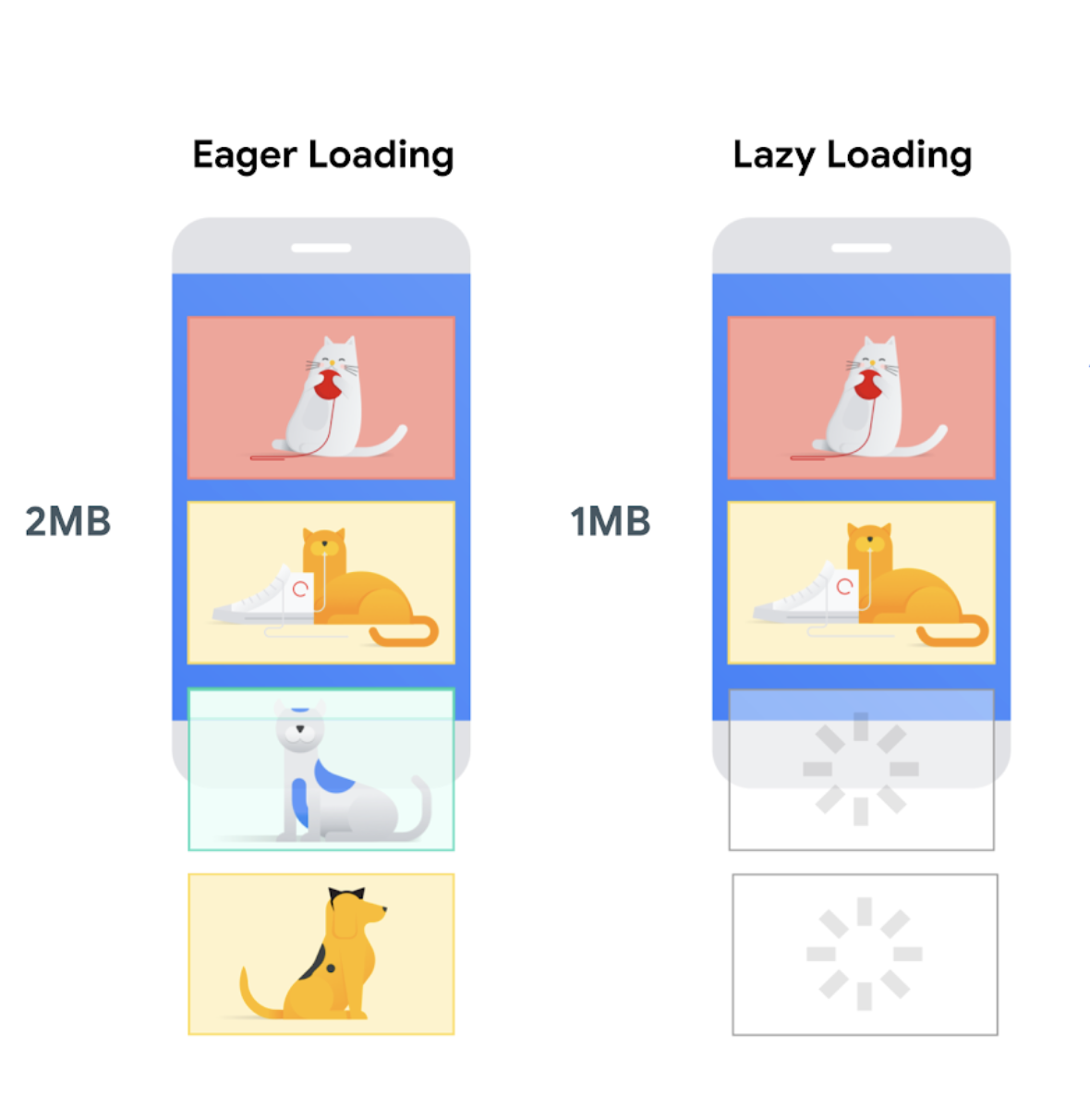
Use lazy loading
This is a technique where the browser doesn’t load an image until it needs to be visible for example when a user scrolls near it. This reduces the initial page size and its emissions. You’ll need a developer to help you make this change.
Resize and compress
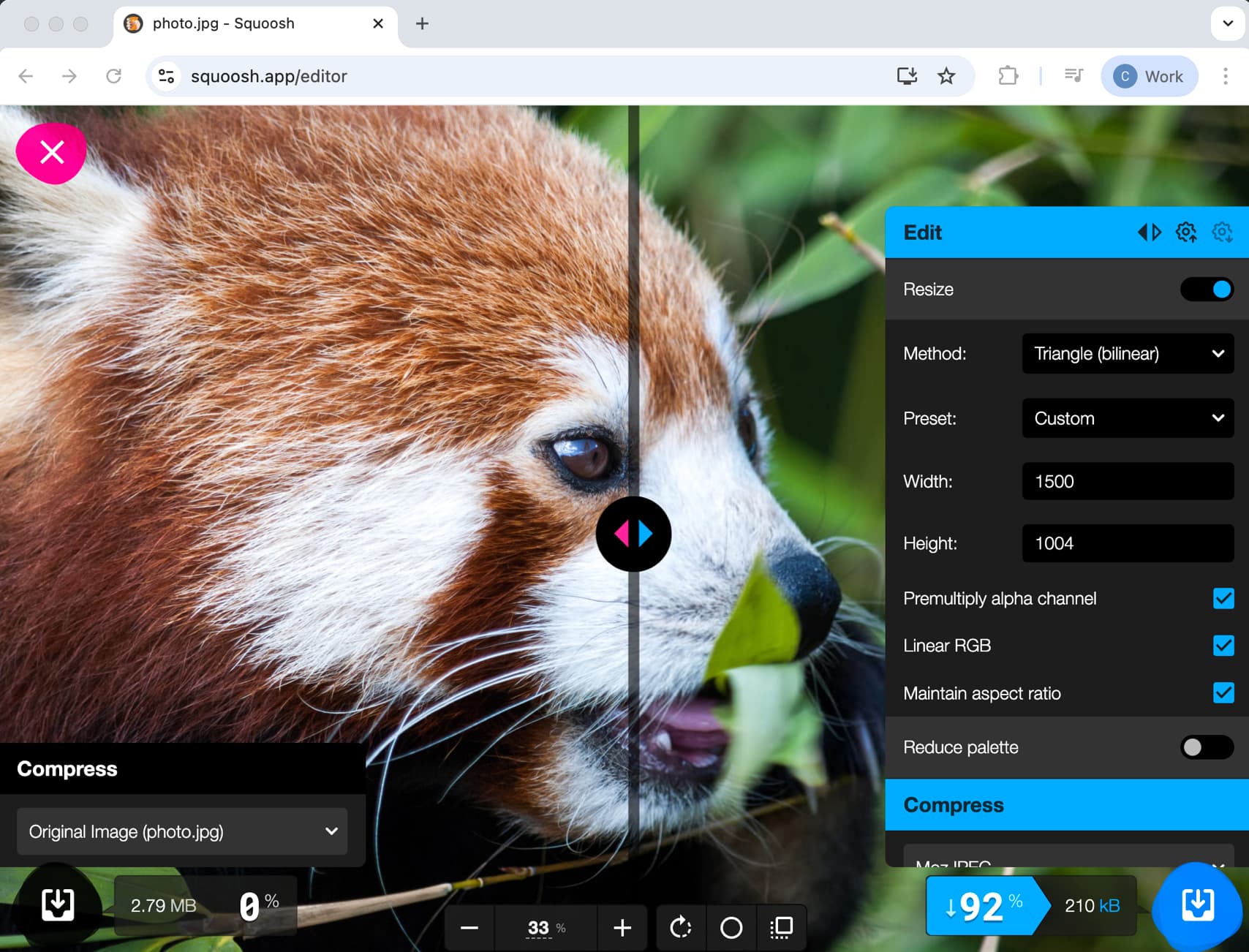
You can easily reduce the size of images to make them smaller and lighter. There are a multitude of apps, plugins, and websites that can help with this and can reduce file size by 90% with little difference in quality.
Reduce colour
To reduce colour in images, try stylising them, reducing the colour palette with a process called dithering, or even swapping images for illustrations so vectors can be used. A stylised image will be roughly 60 kilobytes, whereas the average image for web use is around 400 kilobytes in size.
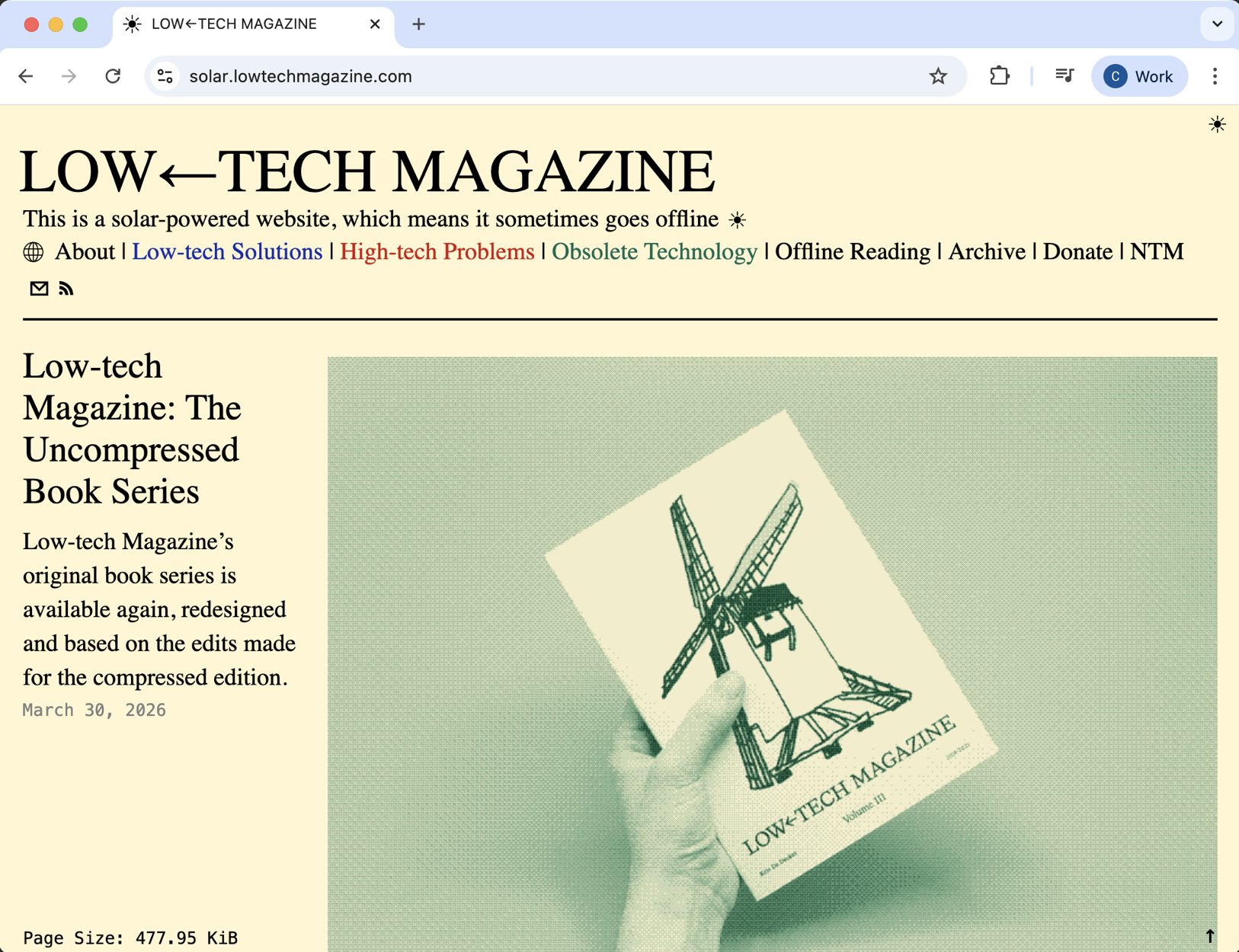
The biggest impact is to remove images completely. Question whether the images you are choosing are important for the user to see. How does a stock image of a handshake make your page content more engaging?
Video
Videos should be treated the same as images: compress, resize and question whether they are needed.
When videos are used, they should never be autoplayed. As well as being sustainable, not autoplaying aligns with accessibility guidelines – unwanted audio can conflict with screen readers, and moving images impact users with cognitive or sensory sensitivities. You can read more about video accessibility in our guide to accessible content.
When a video is embedded using an iframe, it can be lazy-loaded like images. Be wary of additional cookies and make sure that cookies are accepted first.
Custom fonts
Custom fonts add to the user experience by better aligning with aspects of a brand’s visual identity. These files are big and should be handled with care. Limit their use to heading text and use system fonts for body copy.
Subsetting can reduce file size by reducing the number of characters the font has. If your website is multilingual and needs all the characters available, ask a developer to code the page to only load those characters when needed.
As with the other elements we’ve talked about, question if you need to use them at all.
Animations
Animations can be an incredible tool when creating immersive online experiences, but they need to be proportionate and add value. Learning more about your target users would help with this, as animations require more energy from a device than static content. This can be problematic for people experiencing digital poverty where the user’s device may not be able to handle complex animations without hitting performance issues or using a lot of battery power.
Where animations are included, a user should be able to control them to help prevent any distraction or frustration while on your website.
Don’t use animated GIFs, as these can’t be controlled, whereas videos can be controlled by user interaction. We recommend using front-end technologies to give the highest amount of control and respect user preferences.
Faster websites rank higher in search engines
Reducing the size of your website pages will make it load faster. Faster websites rank higher in search engines and have higher conversion rates.
There are humanitarian examples of this. One example is when a big storm hit the USA, news website CNN removed everything that wasn’t text so that even if you were on a very slow connection, you could still quickly access up-to-date news.
Having a lite version of a website also helps people experiencing data poverty, so they can still find news and information online.
Other things to think about
Emails, social media, cloud storage, even delivering this content creates a carbon footprint. A study by Carnegie-Mellon shows that storing 100GB in the cloud for a year generates 200 kilograms of CO2, based on the US grid. Think of all those old emails, old photos and documents saved to the cloud, old social media posts and even older website content!
Another study conducted by Ovo Energy showed that if every Brit sent one less thank you email a day, it would save nearly 16 and a half thousand tonnes of CO2.
Video calls create a huge carbon footprint – anywhere between 150g to 1kg of CO2 per hour, according to a study by Purdue. Turning your video off during the call can reduce the environmental impact by 96%!
Numerous studies have already been published regarding the high energy demand and high water demand of AI. I am not anti-AI, but I am anti-frivolous use of AI.
When it comes to AI products and services, only use them where they can truly add value. The trend on LinkedIn, where almost everyone wanted an anime version of themselves, resulted in OpenAI reporting that ChatGPT was literally melting GPUs because of the additional demand on hardware.
Keep surplus and redundant old tech out of landfill
Recycle your surplus tech with Sustainable Tech 4 Good. Or purchase refurbished tech from Tech 4 Change. Not only will you be more sustainable, but you will also help to make tech available to everyone and bridge the digital divide. How does it work?
- Your devices are collected, then audited and assessed.
- All data is securely erased to HMG Infosec 5 enhanced standard before the devices are repaired & refurbished.
- Devices are then either donated via Tech 4 Inclusion or sold via Tech 4 Change.
- You receive digital inclusion and sustainability reports, which you can add to your ESG paperwork.
It’s so easy! Speak to the team at Sustainable Tech 4 Good next time you are updating your tech.
Resources
Read digital sustainability guidance: Sustainable Web Design, Green Software Foundation, and W3 Sustainable Web Guidance.
Read Tim Frick’s book, Designing for Sustainability
Work out your next steps to reduce your carbon footprint. These tools can help you measure the impact of your website: Digitalbeacon.co, Ecograder.com and Websitecarbon.com
If you’re not sure how to get started and would like some help, Studio 24 offers a sustainability audit that will show you where to reduce the impact and help streamline the digital experience of your website.
Perfection is achieved, not when there is nothing more to add, but when there is nothing left to take away.